
The platforms we track, side by side


Every claim on this site comes from a sourced registry of official pricing pages and documentation. Here is where each platform starts, and what it is really built for:
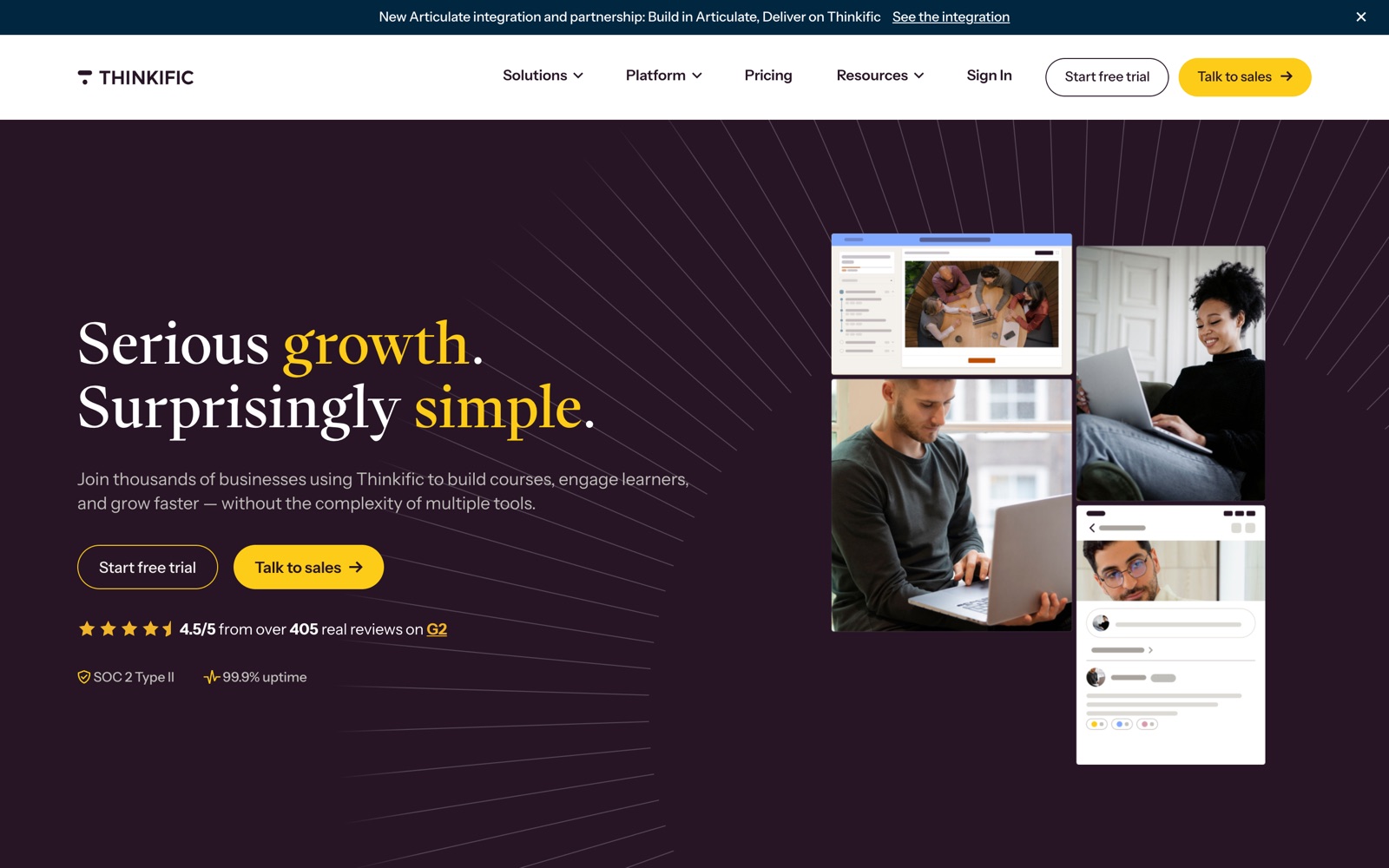
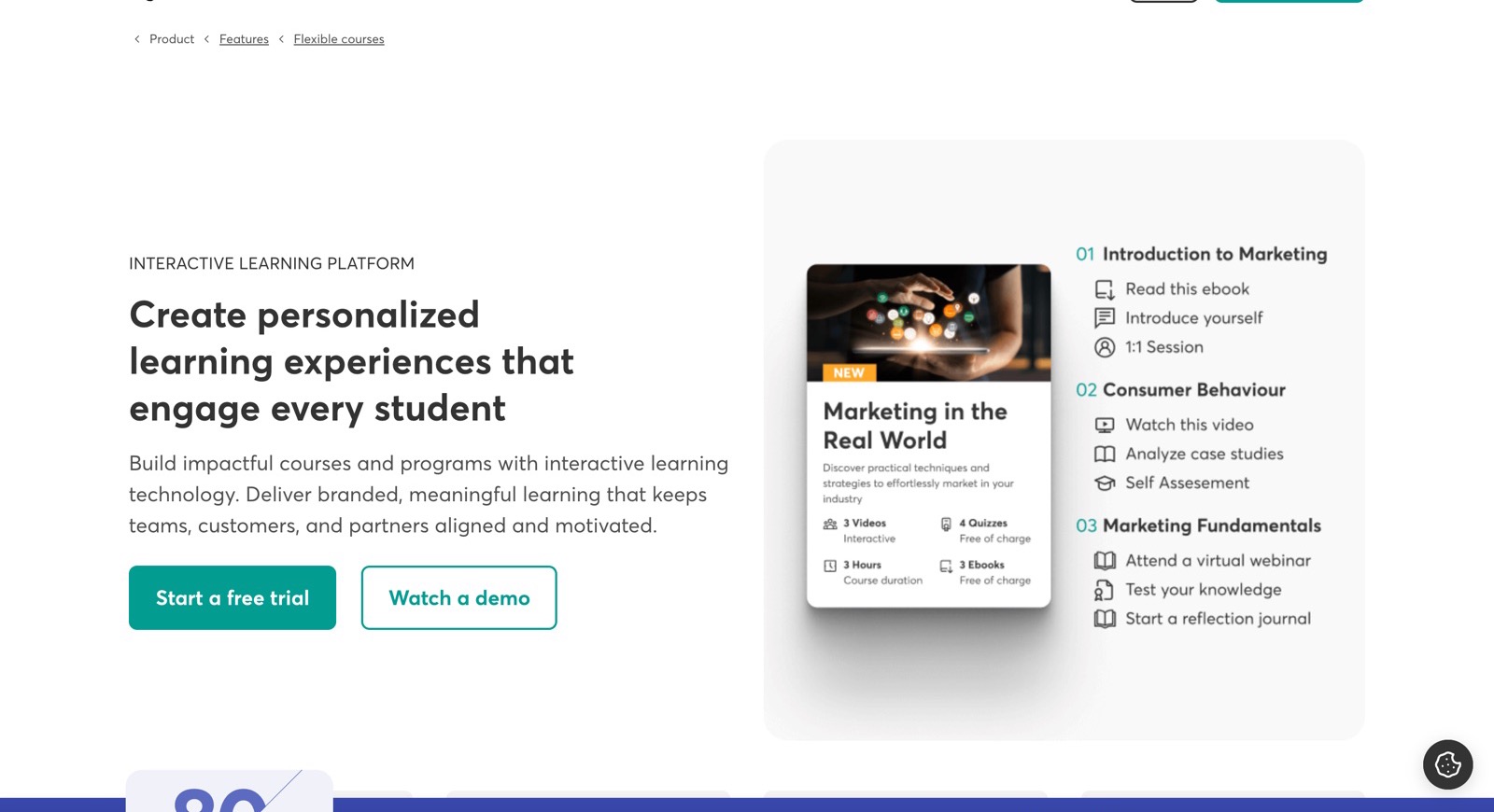
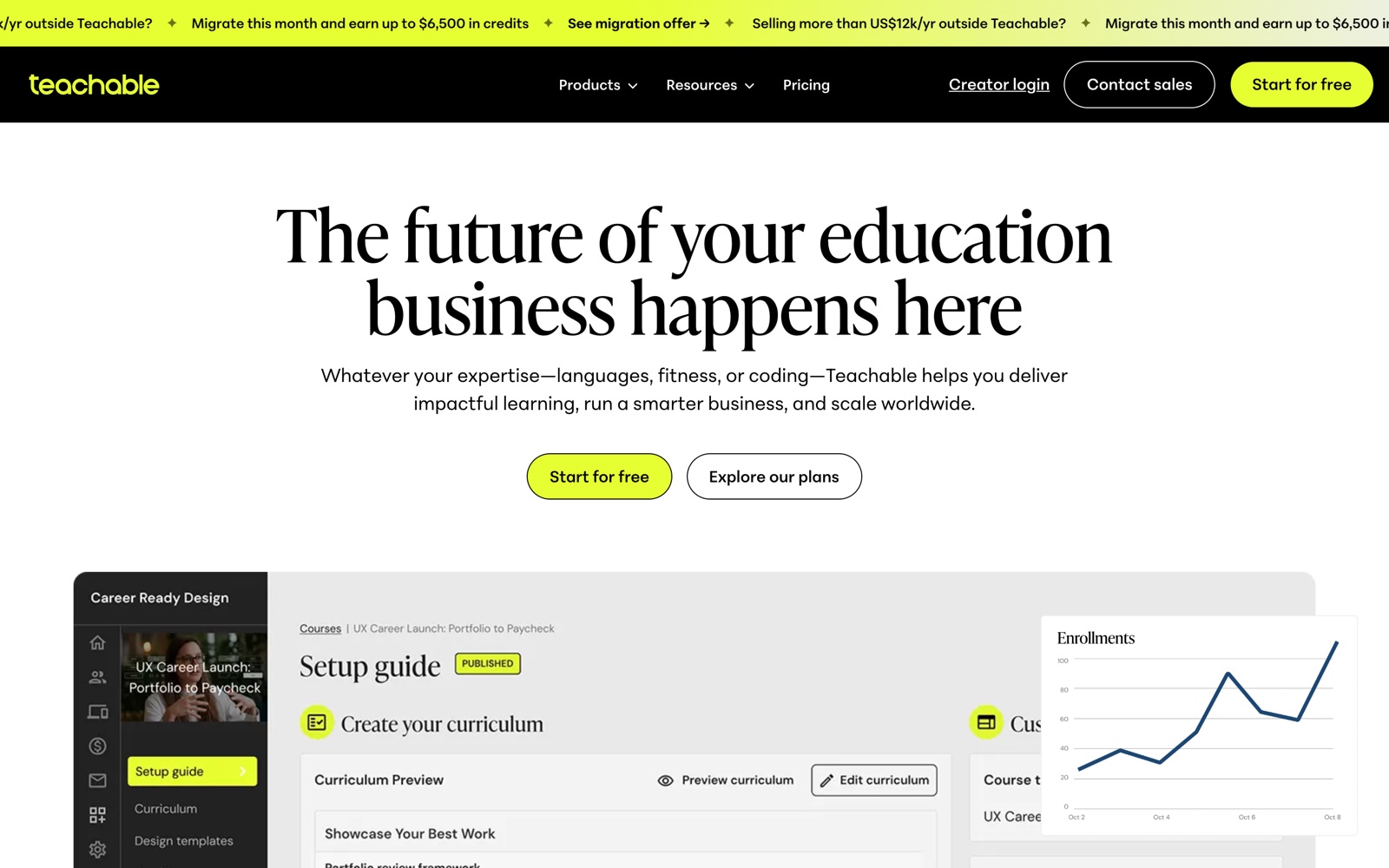
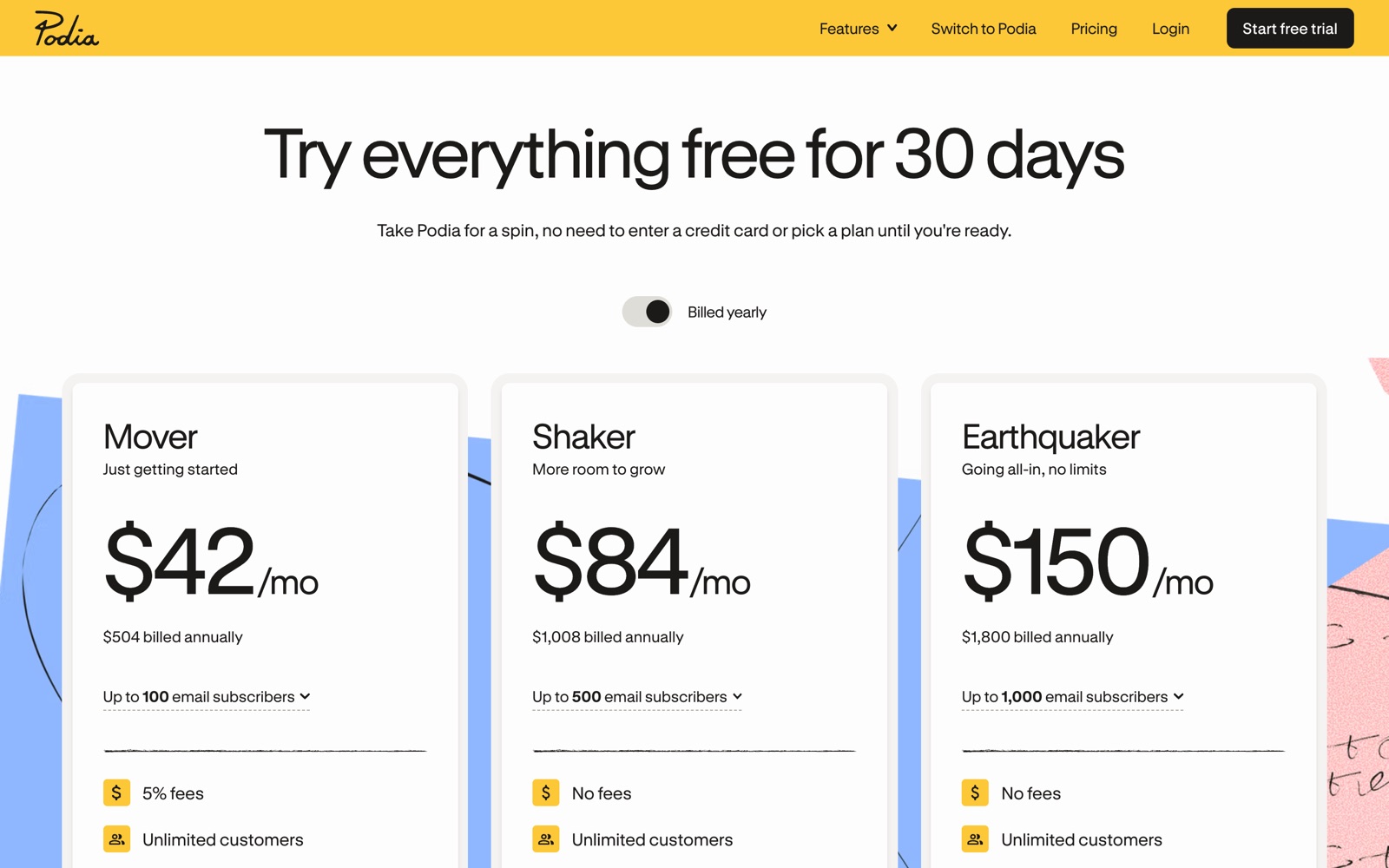
| Platform | Built for | From | Trial | |
|---|---|---|---|---|
| Hosted course platform with real B2B group selling on published plans | From $40/mo | Free trial available | See pricing → |
| Interactive hosted LMS with client groups and self-serve SCORM | From $24/mo | Free trial available | See pricing → |
| Simple course and digital product selling, with fees that decide the plan | From $29/mo | 7-day free trial, 30-day money-back guarantee | See pricing → |
| Courses, community, coaching and email in one simple storefront | From $42/mo | Free 30-day trial, no card required | See pricing → |
| The WordPress LMS plugin: low license cost, full control, your ops | From $259/yr | Live demo available | See pricing → |
Start from your situation, not from feature lists
Sell training seats to companies
Groups, invoicing and per-client reporting, separated from marketing promises.
Start here →
Train your product's customers
Identity mapping, progress exports and onboarding paths that survive a demo.
Start here →
Scale an established course business
Fees, admin seats and product caps priced in before you commit.
Start here →
Get a yearly budget number
Learners, admins, sales and fees turned into one comparable total per platform.
Start here →
What you actually get
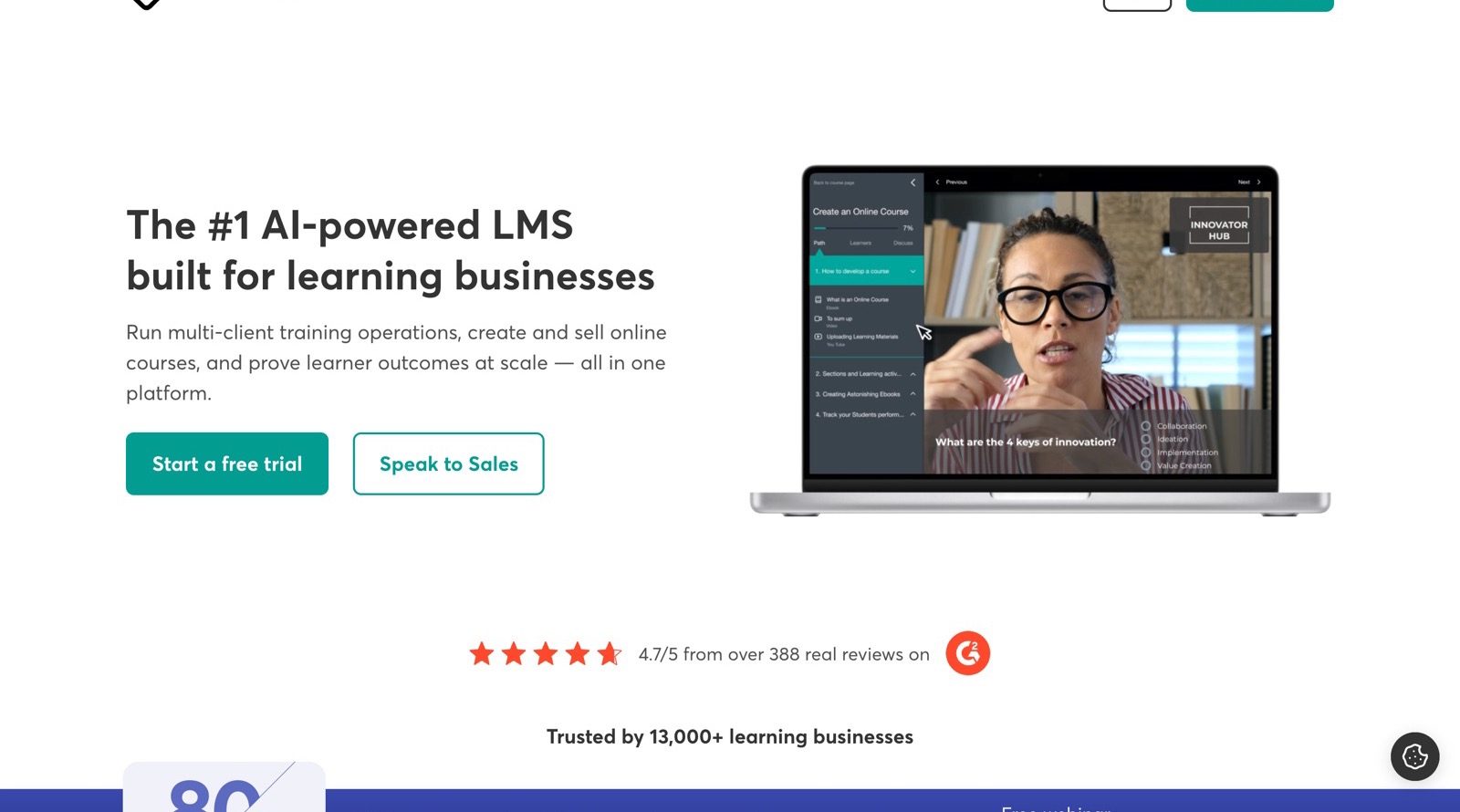
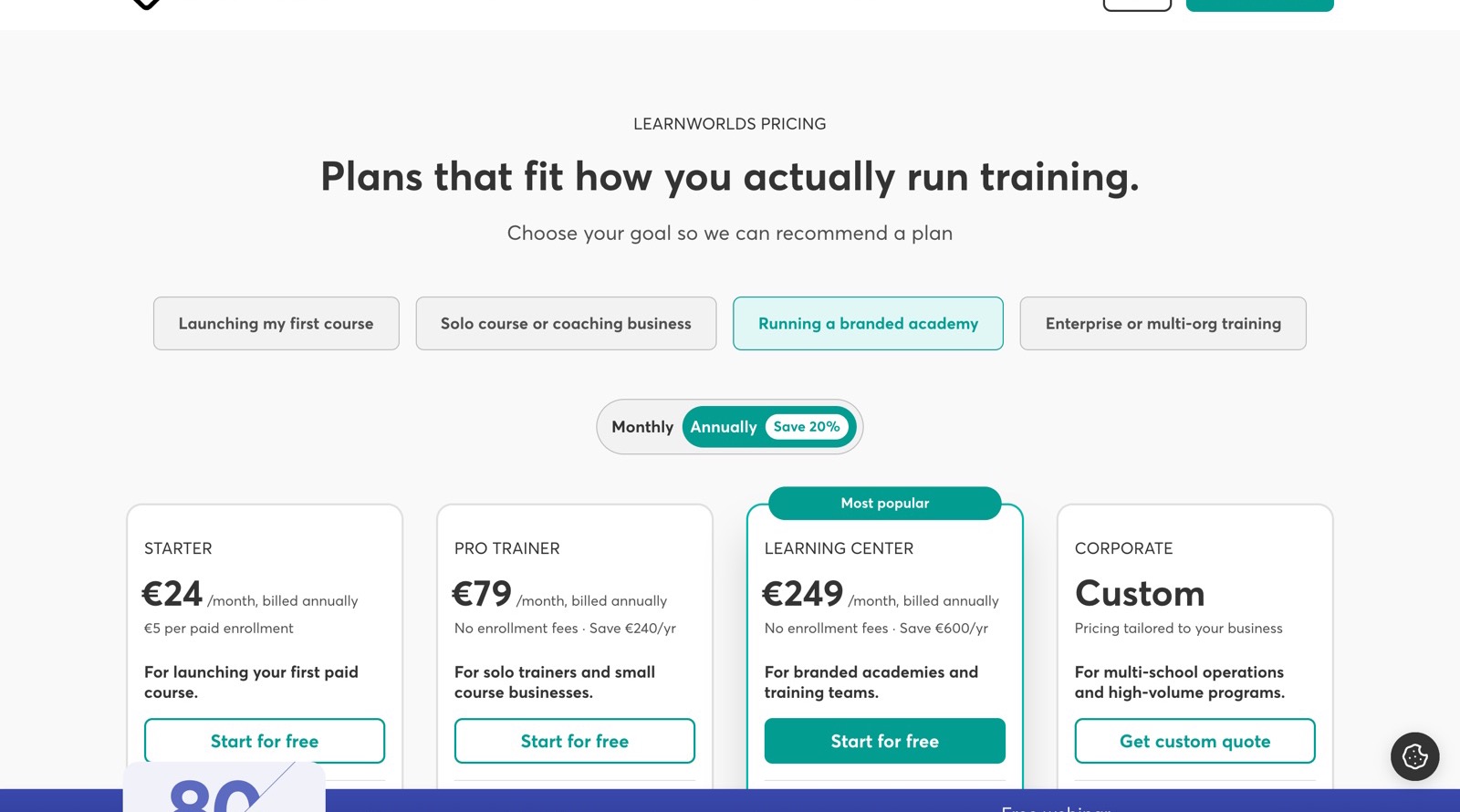
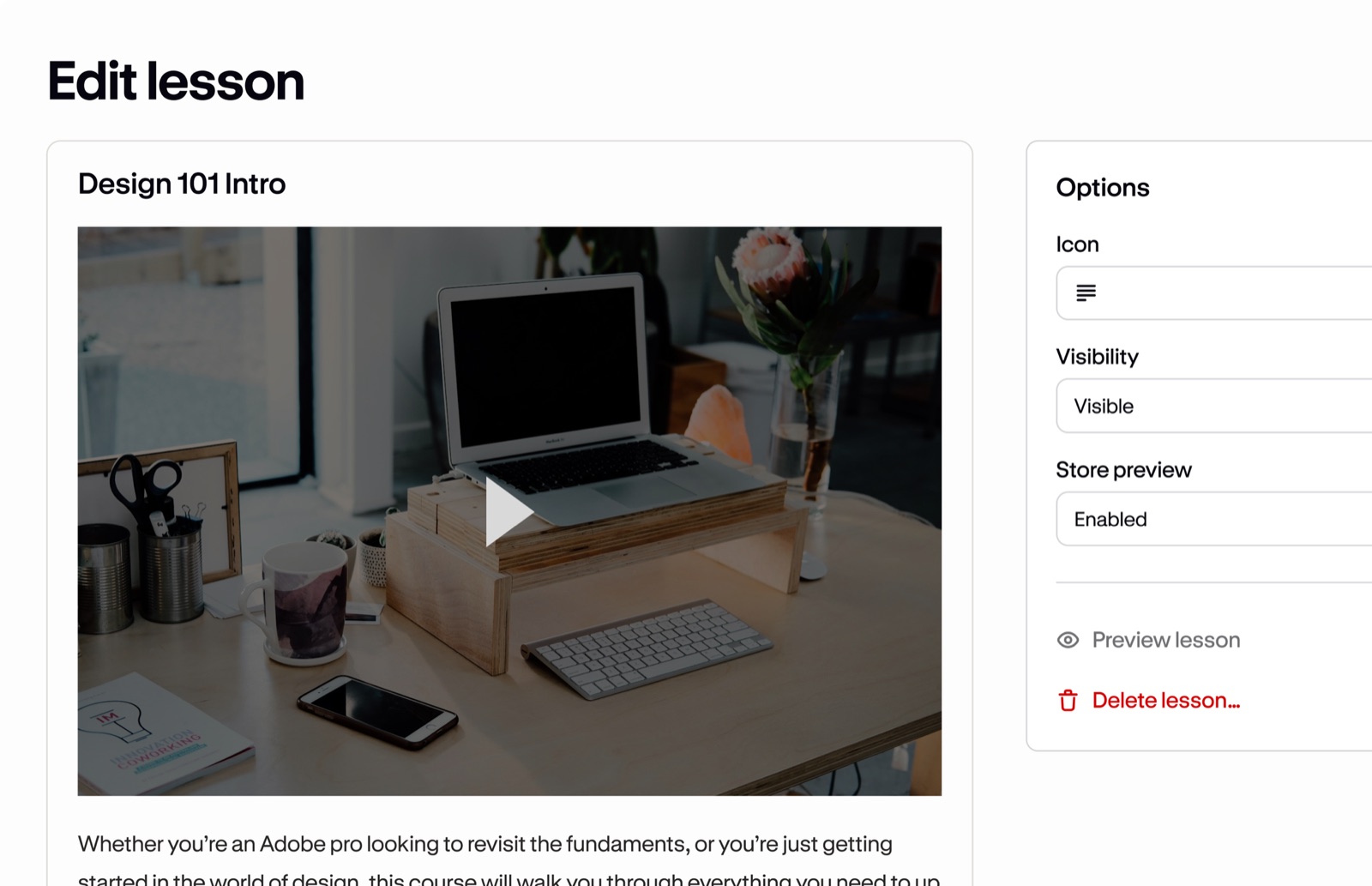
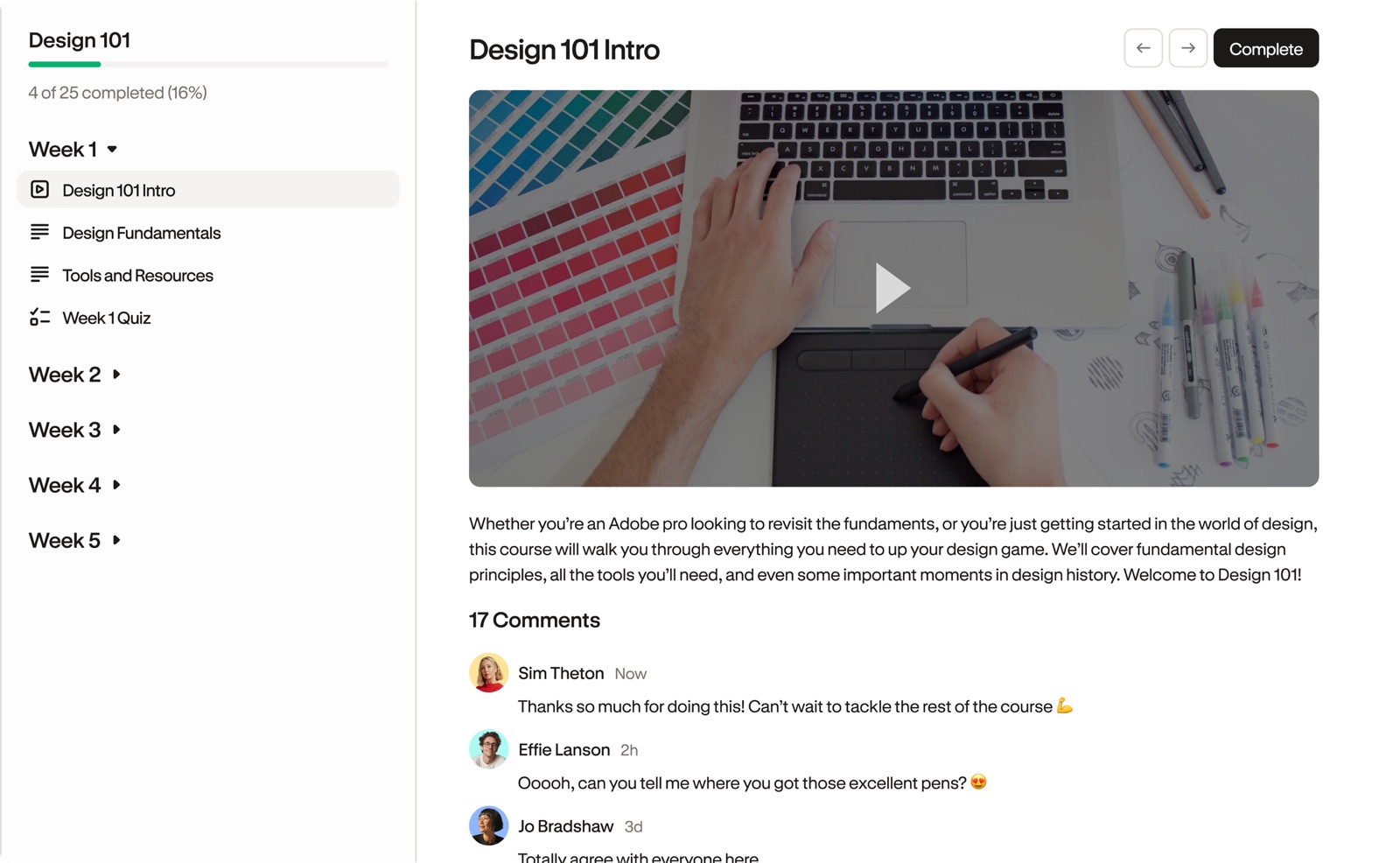
Real interfaces and real published pages, not mockups. Captions say exactly what you are looking at.
The distinction most buyers miss: brand versus portal
White label means the platform stops showing its own brand on your school. A client portal means each corporate client gets its own separate space: catalog, users, admins, reporting. Marketing pages blur the two, contracts do not. If you sell to companies, read white label versus client portals before any demo, then test the cost calculator with your own numbers.
How we work
WhichLMS is a documentary comparison site. We read official pricing pages and documentation, keep every fact in a sourced internal registry, and rebuild pages from that registry when something changes. We do not claim tests we have not run: when a capability is not published, we say so and tell you what to verify in a demo. Details on the method page.